Fright Train System Requirements
Steam PC specs for smooth runs on the Great White.
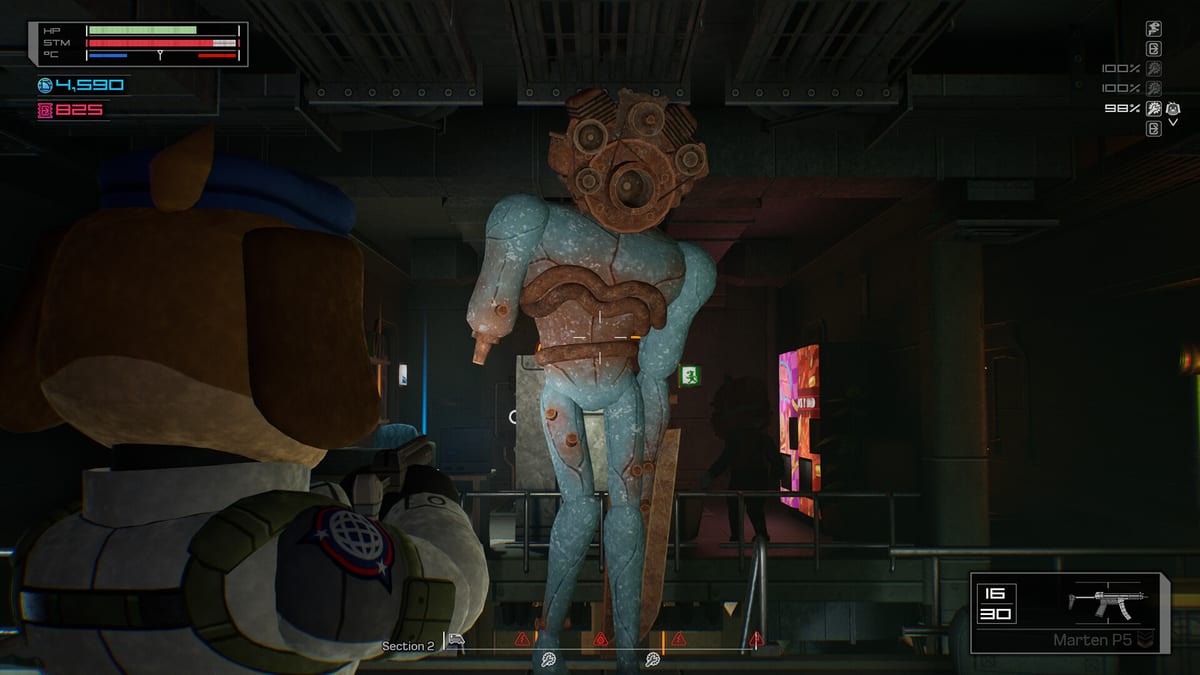
Fright Train launches on Windows PC via Steam. Use this page to compare official system requirements, plan upgrades, and troubleshoot performance when storm effects and gore fill a narrow train car.
Specs below mirror the Steam store listing at launch window. Always re-check the store page if Valve or WildArts update the table.
Minimum specs
- OS: Windows 10 (64-bit)
- Processor: Intel Core i5-6500
- Memory: 4 GB RAM
- Graphics: NVIDIA GTX 980
- DirectX: Version 11
- Storage: 2 GB available space
- VR: None
Minimum means “it runs.” Storm particle spikes, dynamic lights, and crowded lock-ins may still hitch on aging cards. If you are near these numbers, close background overlays and cap frame rates for consistency.
Recommended specs
- OS: Windows 10 (64-bit)
- Processor: Intel Core i7-12700H
- Memory: 16 GB RAM
- Graphics: NVIDIA RTX 2060
- DirectX: Version 12
- Storage: 2 GB available space
- VR: None
Recommended is the comfort zone for reading enemy silhouettes, keeping inventory snappy, and surviving visual noise without guessing through stutters.
Platform notes
- Single-player only at launch — no online session hosting concerns.
- Steam Achievements, Steam Cloud, and Family Sharing are listed features.
- Full controller support plus Xbox controller mention on the store.
- Built on Unreal Engine 5 per WildArts press materials — UE5 titles can be sensitive to upscaling settings and shader compilation stutters on first boots.
Performance tips for train cars
- Let shaders compile during the first quiet car instead of during a storm.
- Prefer a stable frame rate over maxed reflections if weak-point aiming suffers.
- Keep storage on an SSD when possible; 2 GB is tiny, but hitch-free streaming still feels better.
- Disable aggressive RGB/overlay software if input lag creeps into inventory drags.
- Revisit Controls after any input software change.
Before you refund-panic
If the game feels “heavy,” verify GPU drivers, confirm you are on the correct GPU (laptops), and test a low-presets storm clear. Mechanical confusion is not always a hardware issue — open Getting Started if the struggle is systems, not frames.
Related reading
Buy with eyes open, bind with intent, and let the monsters — not the frame time — be the scary part.
Laptop and dual-GPU notes
On laptops, force the discrete GPU for Fright Train in your vendor control panel. Integrated chips may open the menu fine and then choke when storm effects fill a car. Plug in power profiles that favor performance during long expeditions. Cap FPS to your display refresh if heat throttling starts mid-run.
Settings triage when storms hitch
- Lower effects/particles first — storms are the spike.
- Keep resolution readable enough for weak points.
- Disable heavy overlays (RGB, broadcast, browser GPU share).
- Verify Windows Game Mode / overlays are not adding input lag to inventory drags.
- Re-test with Controls after any input software change.
When hardware is fine but runs still feel bad
Mechanical confusion is not a GPU problem. If deaths come from inventory panic or stopped trains, open Getting Started, Inventory Management, and Keep the Train Running. Upgrade skills before you upgrade silicon.
Frequently Asked Questions
Quick answers for Antarctic agents.
How big is Fright Train?
Steam lists about 2 GB storage. Still prefer SSD installs for smoother streaming.
Is there a Steam Deck rating?
Check the live Steam page for the latest Deck compatibility note; it can change after verification updates.
Does it need an internet connection?
It is a single-player Steam title. You need Steam access to install/update; offline play depends on Steam license rules.
Can I play with friends in the same train?
Launch supports solo play only. Improve personal loadouts and storm timing instead of waiting for squad features.